Start with these two apps
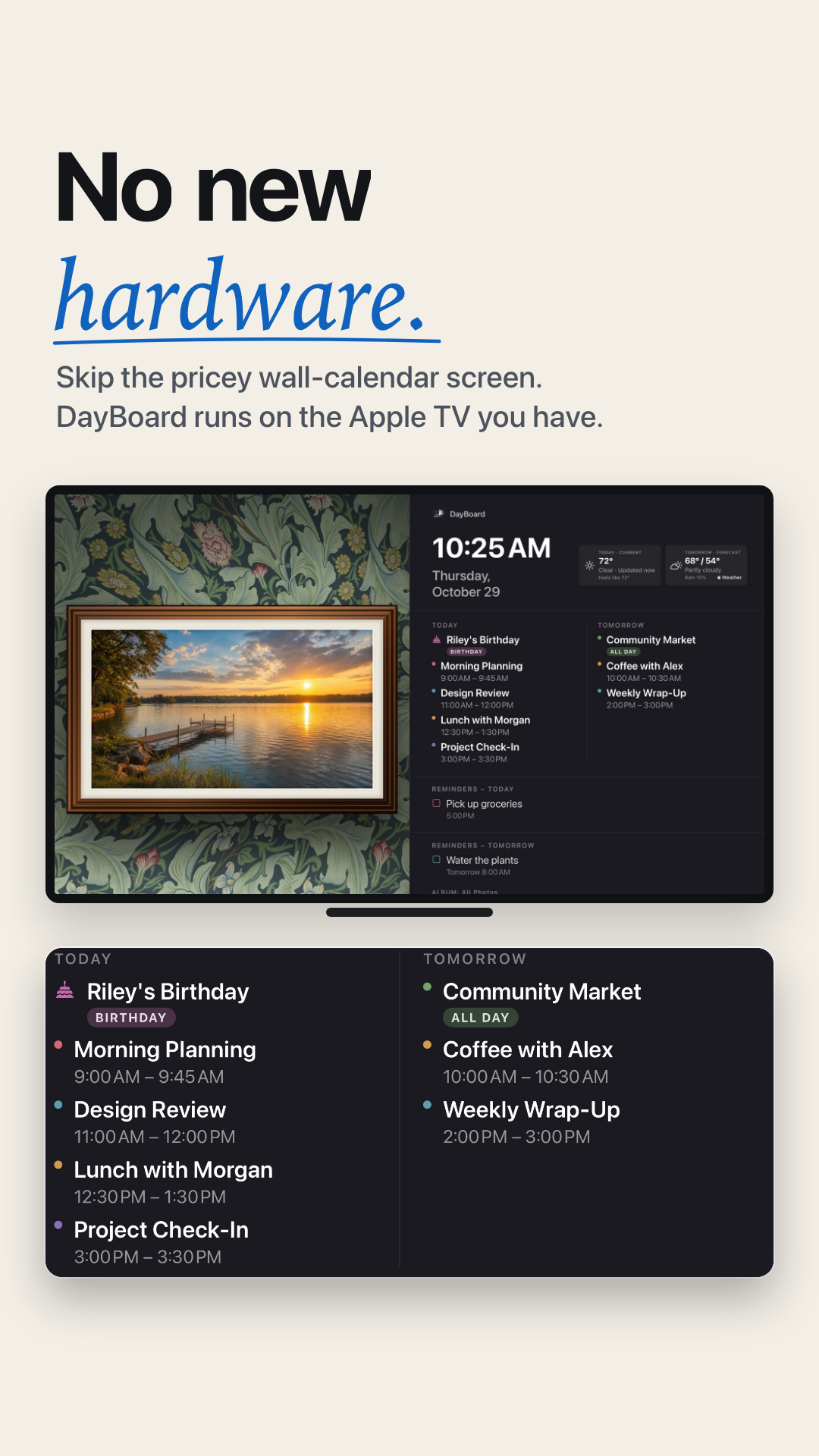
The calendar, reminders, weather and photo dashboard are free. Optional DayBoard Plus and Host plans add family tools and guest welcome features.
Get the free DayBoard Companion for iPhone and iPad
Set up your dashboard
- Install and open DayBoard on your Apple TV.
- Install DayBoard Companion on your iPhone or iPad. Allow access to the calendars and reminders you want to display.
- On the TV, choose Pair Companion. Scan its QR code with your iPhone Camera and follow the pairing instructions.
- Select your calendars in the companion app, then sync. Choose a photo album on the TV or use the companion's photo controls.
Make it yours
Keep today and tomorrow next to your framed photos, or hide the calendar for a photo wall with an optional clock. Choose your wallpaper and frame in the appearance controls.
Calendar sync through your phone depends on iOS background refresh. Supported subscribed calendar feeds can refresh directly on the TV while DayBoard is open. Get help with setup or syncing.